
Jun 26, 2026News Center
Why Cisco Switch Does Not Recognize SFP Module?
Why does a Cisco switch fail to recognize an SFP module? Learn how to troubleshoot compatibility issues, unsupported transceivers, fiber mismatches, and other common causes quickly.
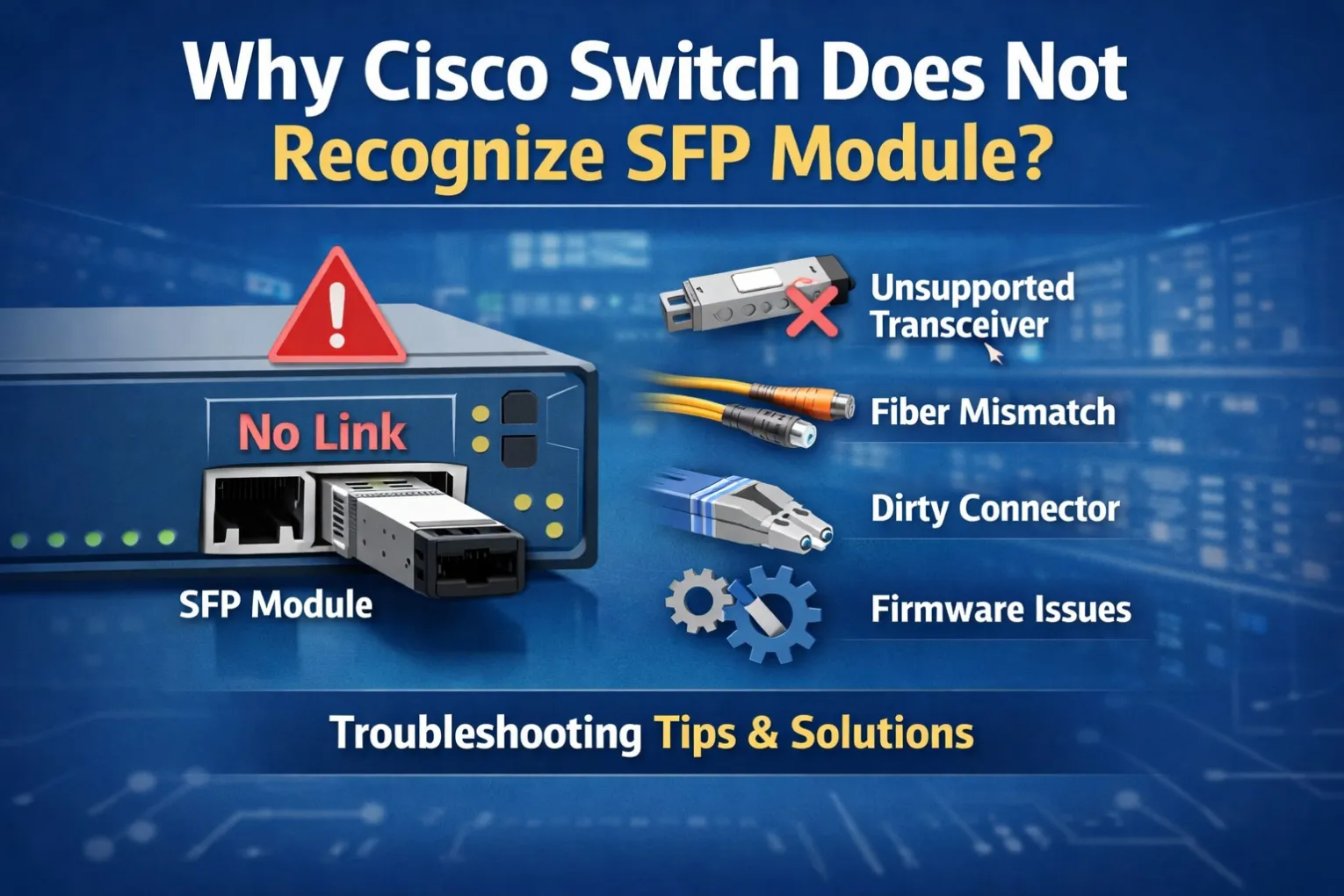
Why Cisco Switch Does Not Recognize SFP Module? Causes, Fixes, and Compatibility Guide
Introduction
You insert an SFP module into a Cisco switch, expecting the link to come up immediately. Instead, the interface stays down, the switch reports an error, or the module is not detected at all.
This is one of the most common issues network engineers face during deployment and maintenance.
The good news is that in most cases, the problem is not caused by hardware failure. Compatibility settings, unsupported transceivers, incorrect fiber connections, software limitations, or configuration issues are usually responsible.
In this guide, we'll explain why a Cisco switch may fail to recognize an SFP module and how to quickly troubleshoot and resolve the issue.
Common Symptoms
When a Cisco switch does not recognize an SFP module, you may encounter:
- Interface remains down/down
- No LED activity on the port
- "Unsupported Transceiver" warning
- "GBIC_SECURITY_CRYPT_ERR" message
- No DOM/DDM information available
- Link flapping
- RX power showing normal but no traffic passing
- SFP module not appearing in inventory
Typical affected platforms include:
- Cisco Catalyst 2960
- Cisco Catalyst 3560
- Cisco Catalyst 3850
- Cisco Catalyst 9200
- Cisco Catalyst 9300
- Cisco Nexus Series
Cause #1: Unsupported or Incompatible SFP Module
This is the most common reason.
Cisco devices verify information stored inside the module EEPROM. If the coding does not match Cisco requirements, the switch may reject the transceiver.
Common messages include:
Example Compatible Cisco Modules
- GLC-SX-MMD
- GLC-LH-SMD
- GLC-EX-SMD
- SFP-10G-SR
- SFP-10G-LR
- SFP-25G-SR-S
- QSFP-100G-SR4-S
Many third-party modules work perfectly when properly coded and tested for Cisco compatibility.
Solution
- Verify module compatibility before purchase
- Use Cisco-compatible coded modules
- Test on the target switch model
- Check Cisco firmware requirements
Cause #2: Wrong Fiber Type
A surprisingly common mistake is mixing singlemode and multimode fiber.
Typical Mismatches
Module | Fiber Type |
|---|---|
GLC-SX-MMD | Multimode |
SFP-10G-SR | Multimode |
GLC-LH-SMD | Singlemode |
SFP-10G-LR | Singlemode |
For example:
- SFP-10G-SR + Singlemode Fiber = No Link
- SFP-10G-LR + Multimode Fiber = Unstable Link
Before replacing the transceiver, always verify the fiber type.
Related reading:
👉 SFP-10G-SR vs SFP-10G-LR
👉 Singlemode vs Multimode Fiber Explained
Cause #3: Incorrect Wavelength Pairing
For BiDi modules, wavelength matching is critical.
Example:
Side A | Side B |
TX1270/RX1330 | TX1330/RX1270 |
If identical modules are installed on both ends, communication will fail.
Typical Applications
- FTTH networks
- Campus backbone links
- Metro Ethernet deployments
Cause #4: Dirty Fiber Connectors
Even when optical power looks normal, contamination can cause:
- Link instability
- Packet loss
- CRC errors
- Port flapping
Dust particles on LC connectors are often invisible to the naked eye.
Best Practice
Always inspect and clean:
- LC connectors
- Patch cords
- Adapter ports
- MPO connectors
before installation.
Cause #5: Port Shutdown Configuration
Sometimes the hardware is fine, but the interface is administratively disabled.
Check:
If needed:
Many troubleshooting sessions end with this simple command.
Cause #6: Speed Mismatch
Examples:
- 1G SFP connected to a forced 10G port
- 10G module connected to a 25G-only interface
- Fixed-speed uplink ports
Some Cisco platforms support multiple speeds, while others do not.
Always verify:
before deployment.
Cause #7: Firmware or Software Restrictions
Older Cisco IOS versions may not fully support newer optics.
Common examples:
- New SFP modules on legacy Catalyst switches
- Newer 25G optics on older software releases
- Updated EEPROM formats not recognized by older firmware
Recommended Action
- Upgrade IOS/NX-OS
- Verify compatibility matrix
- Test modules in a lab environment
Step-by-Step Troubleshooting Process
When a Cisco switch does not recognize an SFP module:
Step 1
Verify module compatibility.
Step 2
Check fiber type.
Step 3
Inspect fiber polarity.
Step 4
Clean all connectors.
Step 5
Verify port configuration.
Step 6
Review system logs.
Step 7
Check module details.
Step 8
Test with a known-good transceiver.
Following this process typically resolves over 90% of SFP-related issues.
Real-World Example
A customer installed a Cisco-compatible SFP-10G-LR module into a Catalyst 9300 switch.
Symptoms:
- Module detected
- No link established
- Normal TX power
Investigation showed the customer was using multimode fiber instead of singlemode fiber.
After replacing the fiber patch cord, the link came up immediately without replacing the transceiver.
This highlights why compatibility alone is not enough—fiber infrastructure must also match the optical module specifications.
Applications Where Compatibility Matters Most
Enterprise Networks
Reliable campus and branch connectivity.
Data Centers
High-density 10G/25G/40G/100G deployments.
Telecom Networks
Carrier-grade backbone transmission.
FTTH Networks
Long-distance fiber access infrastructure.
FAQ
Why does Cisco show "Unsupported Transceiver"?
The switch cannot verify the EEPROM information or the module is not recognized as compatible with the installed software version.
Can third-party SFP modules work in Cisco switches?
Yes. Properly coded Cisco-compatible modules are widely used in enterprise and data center environments.
Why is my SFP detected but no link comes up?
Possible causes include:
- Wrong fiber type
- Fiber polarity issues
- Dirty connectors
- Speed mismatch
- Remote device configuration issues
What does GBIC_SECURITY_CRYPT_ERR mean?
The switch failed to authenticate information stored in the optical module.
How do I verify Cisco SFP compatibility?
Check module coding, switch model, IOS version, and compatibility matrix before deployment.
Related Articles
Experiencing SFP compatibility or connectivity issues? These resources can help you better understand optical transceivers, fiber infrastructure, and deployment best practices.
① Cisco Compatible Optical Transceivers Explained
Learn how Cisco-compatible transceivers work and why compatibility coding plays a critical role in network stability.
② SFP-10G-SR vs SFP-10G-LR
Understand the differences between SR and LR optics, including fiber requirements and transmission distance.
③ Singlemode vs Multimode Fiber Explained
Explore the characteristics of singlemode and multimode fiber and avoid common deployment mistakes.
④ How to Choose Optical Transceivers
Learn how to select the correct optical module based on speed, distance, wavelength, and compatibility requirements.
⑤ How to Troubleshoot Optical Modules
Follow a practical troubleshooting process to identify and resolve common optical network issues.
⑥ AOC vs DAC vs Optical Modules
Compare different connectivity options for enterprise and data center networks.
Conclusion
When a Cisco switch fails to recognize an SFP module, the root cause is often not the transceiver itself.
Compatibility coding, fiber type mismatches, wavelength pairing errors, dirty connectors, speed settings, and firmware limitations are among the most common reasons.
By following a structured troubleshooting process, network engineers can quickly identify the issue and restore connectivity without unnecessary hardware replacement.
Need Cisco-Compatible Optical Transceivers?
Sate Optics provides fully tested Cisco-compatible optical transceivers, DAC cables, AOC cables, and high-speed networking solutions for enterprise, telecom, and data center environments.
Whether you need 1G, 10G, 25G, 40G, 100G, 400G, or 800G connectivity, our team can help verify compatibility before deployment and reduce the risk of costly network downtime.
👉 Contact Sate Optics today for compatibility verification, technical support, and project pricing.
- Cisco switch not recognizing SFP
- Cisco unsupported transceiver
- Cisco SFP compatibility
- GBIC_SECURITY_CRYPT_ERR
- Cisco compatible SFP
- SFP module not detected
- Cisco SFP troubleshooting
- Cisco Catalyst SFP issue
- Cisco optical transceiver compatibility
- Cisco switch SFP not working